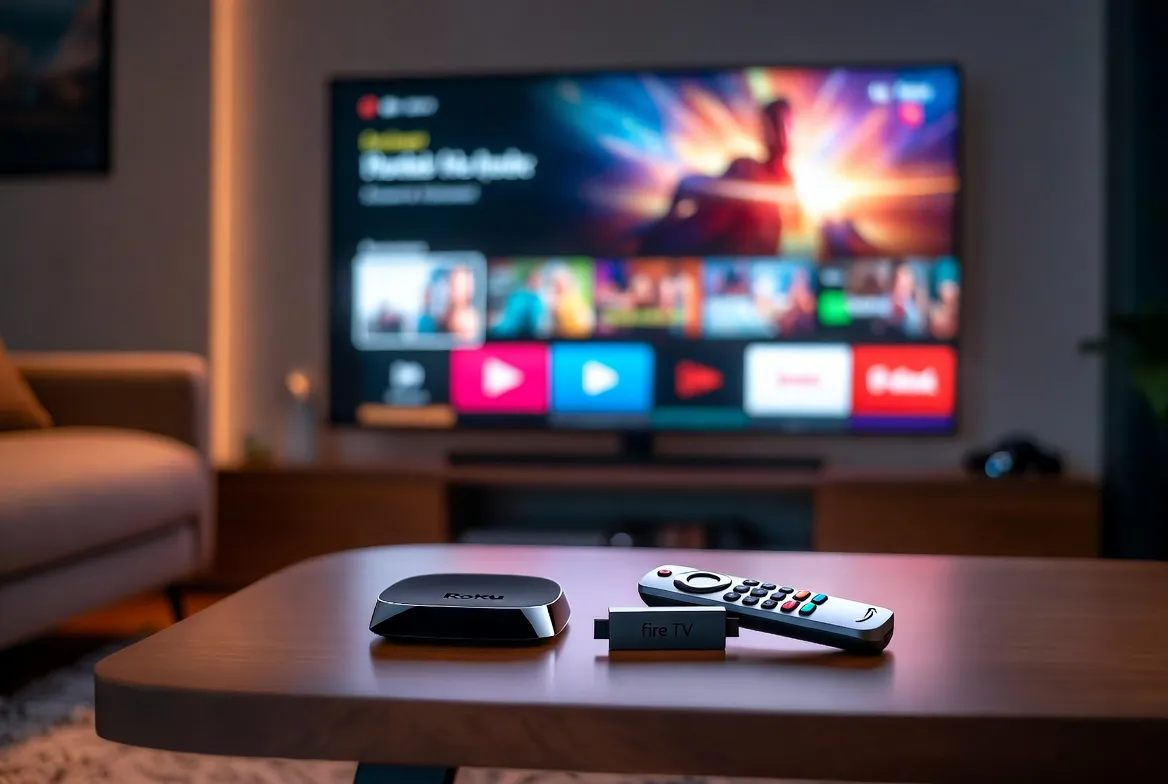
Roku and Firestick are both popular streaming devices that let you watch movies, TV shows, and live channels on your television. Roku is best for a simple, easy-to-use experience, while Firestick is ideal if you already use Amazon services or want more customization.
A few years ago, I wanted to turn an old TV into a smart TV without spending hundreds of dollars on a brand-new television. Like many people, I searched online and kept seeing one question: Roku or Firestick?
At first, they looked almost identical. Both were affordable. Both promised thousands of apps. Both could stream Netflix, YouTube, Disney+, and many other services. Choosing between them felt harder than I expected.
After trying both devices over time, I discovered that the best choice depends on how you watch TV. Some people want the simplest interface possible. Others prefer voice controls, Alexa, or advanced features.
If you’re wondering whether Roku or Firestick is the better streaming device, you’re in the right place. I’ll explain the differences in simple language, compare their features, and help you decide which one fits your home and budget.
Let’s start with the basics.
Roku or Firestick – Quick Answer
Both devices turn a regular TV into a smart TV by connecting to the internet.
- Choose Roku if you want an easy setup and a clean, simple interface.
- Choose Firestick if you already use Amazon Prime Video, Alexa, or want more advanced features like app sideloading.
Real-world examples
- Your parents want an easy streaming device? Roku is usually the better choice.
- You already own Echo speakers and shop on Amazon often? Firestick fits naturally into your setup.
The Background of Roku and Firestick
Unlike many comparison topics, Roku or Firestick isn’t about spelling or grammar. Instead, it’s about choosing between two of the world’s most popular streaming platforms.
What is Roku?
Roku launched in 2008 as one of the first companies focused entirely on streaming media players. Its goal was simple: make streaming TV easy for everyone.
Today, Roku offers streaming sticks, streaming boxes, and even televisions with Roku built in.
What is Amazon Firestick?
Amazon introduced the Fire TV Stick in 2014.
It runs on Amazon’s Fire OS, which is based on Android. Over time, Firestick has become one of the best-selling streaming devices because it integrates with Amazon services like:
- Prime Video
- Alexa
- Amazon Music
- Audible
The confusion exists because both devices do almost the same job, yet they deliver very different user experiences.
Roku or Firestick Explained : Key Differences
Both devices let you stream content, but they are designed with different priorities.
| Feature | Roku | Firestick |
| Interface | Simple and clean | Feature-rich with Amazon content |
| Voice Assistant | Roku Voice | Alexa |
| App Store | Excellent | Excellent |
| Amazon Integration | Limited | Excellent |
| Google Services | Good | Good |
| Apple AirPlay | Available on many Roku devices | Limited |
| Customization | Basic | Advanced |
| Sideload Apps | No | Yes |
| Ease of Use | Excellent | Very Good |
| Best For | Beginners | Amazon users and tech enthusiasts |
Interface
Roku focuses on simplicity.
The home screen shows your installed apps without unnecessary distractions.
Firestick, however, highlights Amazon content, recommendations, and advertisements.
Voice Control
Firestick includes Alexa, allowing you to:
- Search movies
- Control smart home devices
- Ask questions
- Check weather
- Play music
Roku also offers voice search but with fewer smart-home features.
App Availability
Both devices support major streaming services like:
- Netflix
- Disney+
- Hulu
- Max
- Peacock
- Paramount+
- Apple TV+
- YouTube
- Spotify
Most users won’t notice much difference here.
Performance
Higher-end Roku and Firestick models are both fast.
Budget models may be slower, especially when opening many apps.
Customization
Firestick wins if you enjoy advanced options.
Many users install additional Android apps that aren’t available in the official store.
Roku keeps things simple by limiting these options.
Which Should You Use?
There isn’t a single winner in the Roku or Firestick debate. The right choice depends on your needs.
Choose Roku if you:
- Want a simple, clutter-free interface
- Are buying your first streaming device
- Prefer easy navigation
- Share your TV with children or older family members
- Don’t need advanced customization
Choose Firestick if you:
- Already subscribe to Amazon Prime
- Use Alexa devices at home
- Like voice commands
- Want to install additional apps
- Enjoy customizing your streaming experience
Best Choice by User
| User Type | Recommended Device | Why |
| Beginners | Roku | Very easy to learn |
| Families | Roku | Simple menus for everyone |
| Amazon Prime members | Firestick | Better Amazon integration |
| Smart home users | Firestick | Works with Alexa |
| Tech enthusiasts | Firestick | More customization options |
| Casual streamers | Roku | Clean, distraction-free interface |
For most people who just want to watch TV, Roku offers the easiest experience. If you’re already invested in Amazon’s ecosystem, Firestick is usually the smarter buy.
Common Mistakes When Comparing Roku or Firestick
Many buyers assume both devices are exactly the same. While they share many features, there are important differences.
| Mistake | Correct Understanding |
| Firestick has more apps than Roku | Both support most major streaming apps. |
| Roku doesn’t support voice control | Roku includes voice search on many models. |
| Firestick only works with Amazon Prime | It supports Netflix, Disney+, Hulu, YouTube, and many more. |
| Roku is only for beginners | Many advanced Roku models support 4K, HDR, and Dolby Vision. |
| Firestick is always faster | Speed depends on the specific model, not just the brand. |
These misunderstandings often lead people to buy the wrong device for their needs.
Roku or Firestick in Real-World Examples
Professional Email
“After comparing Roku and Firestick, we recommend Roku devices for guest rooms because of their simple interface.
News Headline
“Roku or Firestick: Streaming device competition continues as both platforms introduce new features.”
Social Media Post
“Still deciding between Roku or Firestick? Roku keeps things simple, while Firestick is perfect if you’re already using Alexa.”
Business Report
“Customer surveys show increased interest in Roku and Firestick as affordable alternatives to smart televisions.”
Roku or Firestick : Data, Trends & Usage
People search “Roku or Firestick” throughout the year, especially during major shopping events like:
- Black Friday
- Cyber Monday
- Amazon Prime Day
- Holiday sales
Who searches this topic?
Most searches come from people who:
- Are buying their first streaming device
- Want to upgrade an older model
- Compare products before making a purchase
- Look for the best value for money
Search Intent
Primary intent: Commercial investigation with informational intent.
Users aren’t just curious. They are usually close to making a buying decision and want trustworthy advice before spending money.
Why It Matters Now
Streaming continues to replace traditional cable TV in many households. As more streaming services become available, choosing the right device has become more important than ever. Picking the platform that matches your viewing habits can improve your overall entertainment experience.
Roku or Firestick Comparison Table
| Term/Variant | Meaning | Region/Context | Best Used When |
| Roku | Independent streaming platform | Worldwide | You want a simple, easy-to-use streaming experience. |
| Amazon Firestick | Amazon streaming device | Worldwide | You use Prime Video, Alexa, or Amazon services regularly. |
Frequently Asked Questions
Q: What is the difference between Roku or Firestick?
A: Roku focuses on simplicity and ease of use, while Firestick offers deeper integration with Amazon services and more customization options.
Q: Which is better for beginners?
A: Roku is generally easier for beginners because its interface is clean, organized, and free from unnecessary distractions.
Q: Does Firestick have more apps than Roku?
A: Not really. Both platforms support nearly all major streaming services, including Netflix, Disney+, Hulu, YouTube, Max, and many others.
Q: Is Roku better than Firestick for older adults?
A: Many older adults prefer Roku because its menus are simple and easy to navigate without a steep learning curve.
Q: Can I watch Netflix on both devices?
A: Yes. Netflix works on both Roku and Firestick, along with thousands of other streaming apps and channels.
Q: Which device is better for Amazon Prime Video?
A: Firestick provides the best Prime Video experience because it integrates directly with Amazon’s ecosystem and Alexa.
Q: Which streaming device should I buy in 2026?
A: If you want simplicity and ease of use, choose Roku. If you already use Amazon products and enjoy advanced features, Firestick is an excellent choice.
Conclusion
Choosing between Roku or Firestick doesn’t have to be difficult. Both devices deliver excellent streaming quality, support the most popular apps, and offer great value for the price.
If your priority is a clean interface that anyone in the family can use, Roku is hard to beat. It keeps everything simple and lets you get straight to your favorite shows without distractions.
On the other hand, if you’re already part of the Amazon ecosystem, own Alexa devices, or enjoy extra customization, Firestick offers features that make it feel more connected and powerful.
The best streaming device is the one that matches how you watch TV. Think about the services you use most, your comfort with technology, and the features that matter to you before making your decision.
Now that you understand the differences between Roku or Firestick, you can choose with confidence. Bookmark this guide for future reference, and share it with anyone trying to decide which streaming device is right for them.
Cue or Queue: Complete Guide to Meaning, Differences, and Correct Usage

Taha Husnain is an English researcher specializing in literature, language studies, and critical analysis. Their work focuses on advancing scholarly understanding through research and academic writing, with contributions to contemporary discussions in English studies.