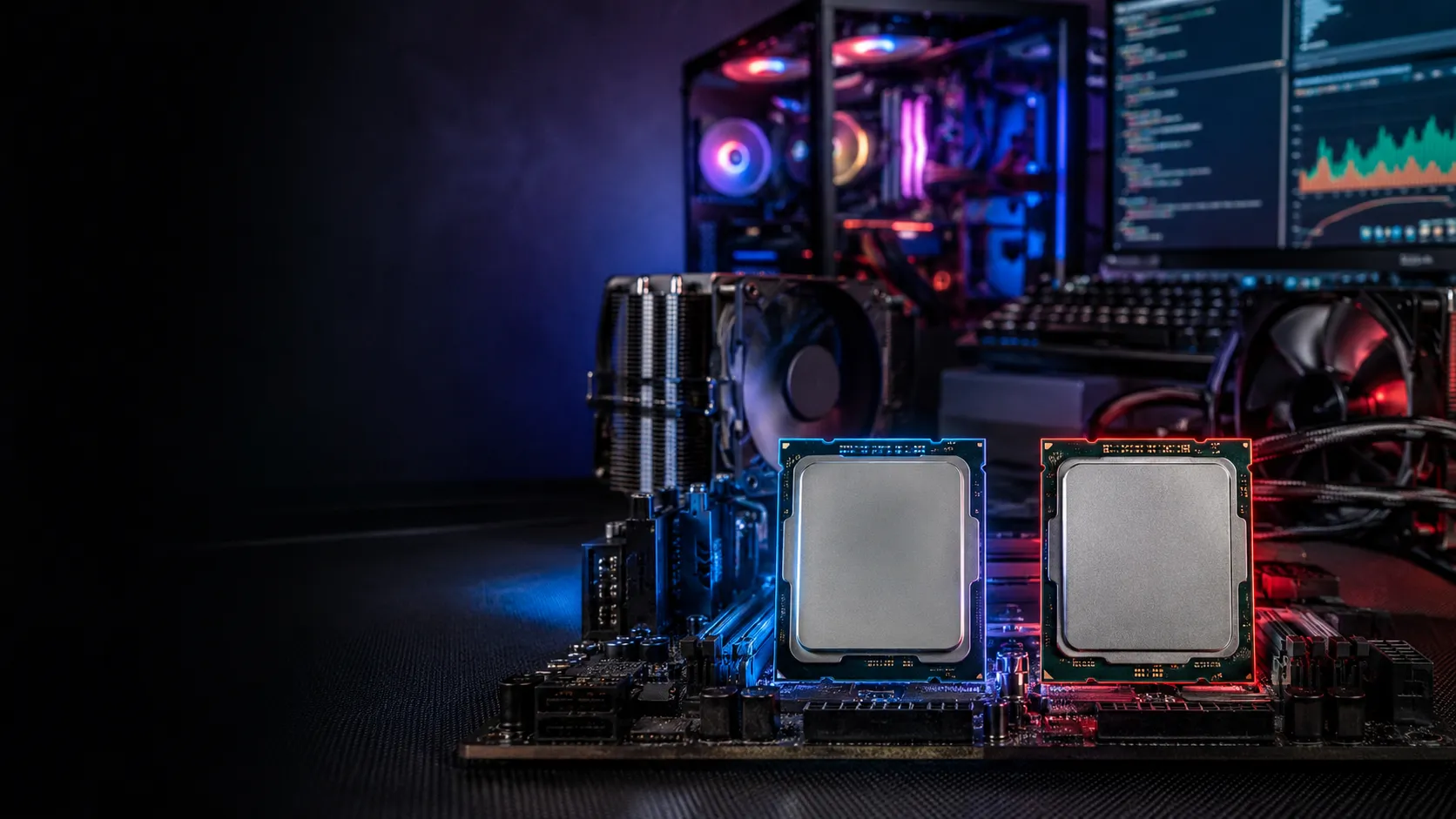
Intel or AMD are the two biggest computer processor (CPU) brands. Intel often shines in gaming and single-core tasks, while AMD usually offers better value, more cores, and stronger performance for multitasking and creative work.
A few years ago, I decided to build my own desktop computer. I spent hours comparing graphics cards, memory, and storage. Yet one question kept coming back: Should I choose Intel or AMD?
The more I researched, the more confused I became. Some people said Intel was always faster. Others claimed AMD offered better value. Every review seemed to have a different winner.
After testing both brands over the years, I realized the answer is not as simple as picking the most popular name. The best processor depends on what you want to do. A gamer, a video editor, and a student may all need different CPUs.
If you’re asking Intel or AMD, you’re probably looking for the best balance of speed, price, power, and future upgrades. In this guide, I’ll explain the real differences in simple words. By the end, you’ll know exactly which processor fits your needs and budget.
Intel or AMD – Quick Answer
There is no single winner between Intel and AMD.
- Choose Intel if you mainly play games or want excellent single-core performance.
- Choose AMD if you edit videos, stream, run many programs, or want better value for your money.
Simple Examples
- A college student using Microsoft Office and browsing the web can use either Intel or AMD.
- A content creator editing 4K videos may benefit from AMD’s extra processor cores.
The Background of Intel or AMD
Intel and AMD have competed for decades. Both companies design processors that power millions of laptops and desktop computers.
Intel
Intel was founded in 1968 and became one of the world’s largest semiconductor companies. For many years, Intel dominated the CPU market with popular processor families like:
- Intel Core i3
- Intel Core i5
- Intel Core i7
- Intel Core i9
Intel earned a reputation for reliability and excellent gaming performance.
AMD
AMD, short for Advanced Micro Devices, was founded in 1969.
For years, AMD struggled to compete with Intel. Everything changed when AMD launched its Ryzen processors in 2017.
Ryzen CPUs offered:
- More cores
- Better multitasking
- Lower prices
- Strong overall performance
This forced Intel to improve its products and prices, giving buyers more choices than ever before.
Intel or AMD Explained : Key Differences
Although both companies make processors, they focus on different strengths.
| Feature | Intel | AMD |
| Gaming | Excellent | Excellent |
| Multitasking | Very Good | Outstanding |
| Price | Usually higher | Better value |
| Power Efficiency | Good | Excellent |
| Upgrade Path | Depends on generation | Often longer support |
| Productivity | Excellent | Excellent |
Performance
Intel processors often deliver stronger single-core performance. Many games rely heavily on one or two cores, making Intel a popular choice for gamers.
AMD processors usually include more cores and threads in the same price range. This helps when running demanding software.
Examples include:
- Video editing
- 3D rendering
- Software development
- Streaming while gaming
Price
AMD frequently provides better value.
For a similar budget, AMD may include:
- More processor cores
- Better multitasking
- A capable stock cooler
- Lower overall system cost
Intel processors sometimes cost more but can still offer excellent gaming results.
Power Consumption
Modern AMD Ryzen processors are known for impressive energy efficiency.
Lower power usage often means:
- Less heat
- Quieter cooling
- Lower electricity use
Intel has also improved significantly, especially with its latest processor generations.
Gaming
Years ago, Intel clearly led gaming performance.
Today, the gap is much smaller.
In many games, the difference is only a few frames per second. Your graphics card often matters more than your processor.
Upgrade Options
AMD has earned praise for supporting the same motherboard socket across several processor generations.
This means you may upgrade your CPU without replacing the motherboard.
Intel changes motherboard compatibility more frequently, although recent platforms have improved.
Intel vs AMD Comparison Table
| Term | Meaning | When to Use | Best For |
| Intel Core i5 | Mid-range Intel processor | Everyday use and gaming | Most users |
| Intel Core i7 | High-performance Intel CPU | Gaming and professional work | Power users |
| AMD Ryzen 5 | Mid-range AMD processor | Daily work and gaming | Value seekers |
| AMD Ryzen 7 | High-end AMD processor | Editing, streaming, multitasking | Creators |
| AMD Ryzen 9 | Premium AMD processor | Heavy workloads | Professionals |
Which Version Should You Choose?
There isn’t a universal answer. Your choice depends on how you use your computer.
For Gamers
Choose Intel if you want every possible frame in competitive games and prefer strong single-core performance.
For Content Creators
Choose AMD if you:
- Edit videos
- Stream online
- Render animations
- Run virtual machines
- Use demanding creative software
The additional cores can significantly reduce rendering times.
For Students
Both Intel and AMD work well.
If your budget is limited, AMD often provides more performance for the price.
For Office Users
If you mainly:
- Browse the internet
- Write documents
- Join video meetings
- Watch videos
Either brand will perform very well.
For Long-Term Upgrades
AMD has often offered a better upgrade path by supporting motherboard sockets for longer periods.
If you plan to upgrade your processor later without replacing other components, AMD can be an attractive choice.
Common Mistakes When Choosing Intel or AMD
Many buyers spend more money than necessary because they believe common myths. Here are some mistakes to avoid.
| Mistake | Better Choice | Why |
| Buying the most expensive CPU | Buy one that matches your needs | Extra power may go unused. |
| Choosing only by brand | Compare performance and price | Both Intel and AMD make excellent processors. |
| Ignoring motherboard compatibility | Check the CPU socket first | Not every processor fits every motherboard. |
| Focusing only on core count | Look at overall performance | Clock speed, cache, and architecture also matter. |
| Forgetting future upgrades | Consider the platform | A longer-supported platform can save money later. |
Tip: Always balance your processor with a suitable graphics card, enough RAM, and fast storage. A powerful CPU alone will not guarantee the best experience
Intel or AMD in Real-World Examples
Professional Email
“We recommend the AMD Ryzen 7 processor for your video editing workstation because it offers excellent multitasking performance.”
News Headline
“Intel launches its latest desktop processors to compete with AMD’s newest Ryzen lineup.”
Social Media Post
“Finally built my gaming PC! I chose Intel for smooth gameplay and couldn’t be happier.”
Business Report
“The company upgraded employee computers with AMD Ryzen processors to improve productivity while reducing hardware costs.”
These examples show that both brands are trusted in homes, businesses, schools, and professional workplaces.
Intel or AMD : Data, Trends & Usage
The keyword “Intel or AMD” has strong search demand throughout the year because many people buy or upgrade computers.
Who Searches This Topic?
- Gamers building a new PC
- Students buying their first laptop
- Video editors and designers
- Software developers
- Business professionals
- Technology enthusiasts
Search Intent
Primary intent: Commercial investigation
People usually search this keyword before making a purchase. They want unbiased advice instead of marketing claims.
Regions With High Interest
Searches are especially common in:
- United States
- Canada
- United Kingdom
- Australia
- India
- Germany
Why It Matters Today
Modern processors are more competitive than ever. Both Intel and AMD release new CPUs regularly, making it important to compare performance, price, power efficiency, and upgrade options before buying.
Intel vs AMD Comparison Table
| Term/Variant | Meaning | Region/Context | Best Used When |
| Intel | CPU brand focused on high performance | Worldwide | Gaming, office work, general computing |
| AMD | CPU brand known for value and multicore performance | Worldwide | Content creation, multitasking, gaming |
| Intel Core | Intel’s consumer processor family | Desktop and laptop PCs | Everyday users and professionals |
| AMD Ryzen | AMD’s consumer processor family | Desktop and laptop PCs | Budget buyers, creators, and gamers |
| Intel Xeon | Intel workstation and server CPUs | Enterprise | Servers and professional workstations |
| AMD Threadripper | AMD high-core-count workstation CPUs | Professional creators | Heavy rendering and advanced workloads |
Frequently Asked Questions
Q: Which is better, Intel or AMD?
There is no universal winner. Intel is often excellent for gaming and strong single-core performance, while AMD usually delivers better value and stronger multitasking.
Q: Is AMD cheaper than Intel?
In many price ranges, yes. AMD frequently offers more processor cores for similar money, making it a popular choice for budget-conscious buyers.
Q: Is Intel better for gaming?
Many Intel processors perform extremely well in games. However, modern AMD Ryzen processors also provide excellent gaming performance, and the difference is often very small.
Q: Which processor lasts longer?
Both Intel and AMD processors can last for many years with proper cooling and normal use. The better choice depends more on your workload than on durability.
Q: Should students buy Intel or AMD?
Either brand works well for schoolwork. Students looking for the best value often choose AMD, while Intel is also a solid option for everyday tasks.
Q: Which is better for video editing?
AMD processors often perform better in video editing because many models include more cores and threads. That extra processing power helps speed up rendering and exporting.
Q: Can I upgrade from Intel to AMD without changing my motherboard?
No. Intel and AMD use different CPU sockets. Switching brands almost always requires a compatible motherboard.
Conclusion
Choosing between Intel or AMD is much easier once you understand what each brand does best.
If your priority is gaming and fast single-core performance, Intel remains an excellent option. If you want great value, powerful multitasking, and outstanding productivity, AMD is hard to beat.
The good news is that both companies now make outstanding processors. You no longer have to worry about choosing a “bad” brand. Instead, focus on your budget, the software you use, and whether you plan to upgrade your computer in the future.
Before buying, compare benchmarks, check motherboard compatibility, and choose a processor that matches your real needs instead of simply buying the most expensive model.
Now you know exactly how to choose between Intel or AMD. Bookmark this guide for your next PC upgrade, and share it with anyone trying to decide which processor is the right fit.
Labeled or Labelled: Which Spelling Is Correct?

Smama Aroosh is an English author and scholar with a strong interest in literature, language, and contemporary writing. Their work reflects a commitment to academic excellence and thoughtful exploration of literary themes, contributing meaningfully to the field of English studies.